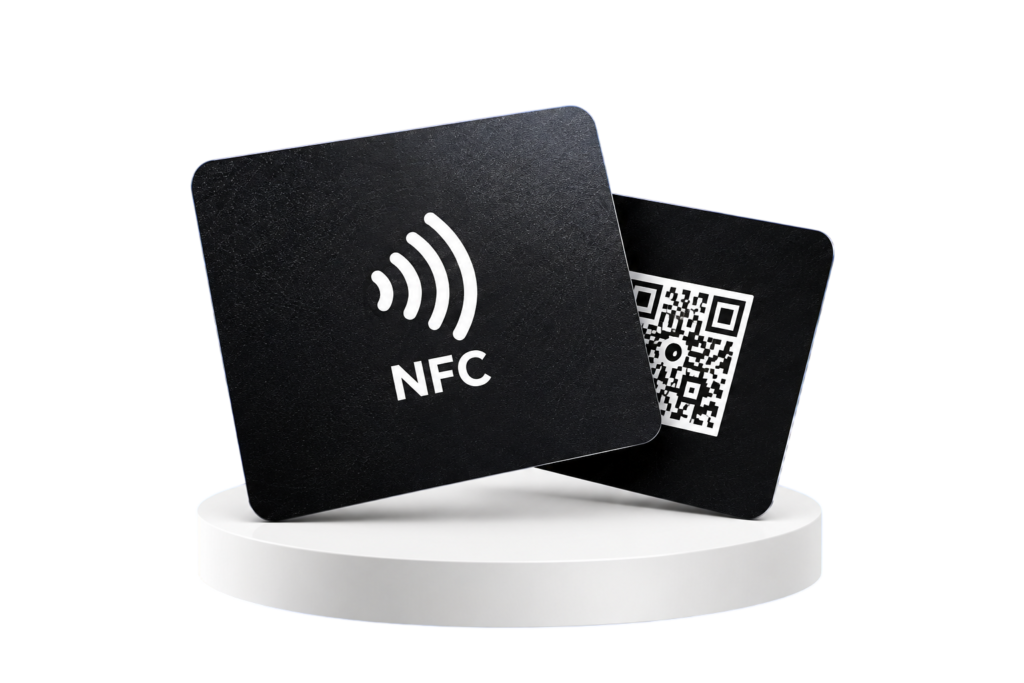
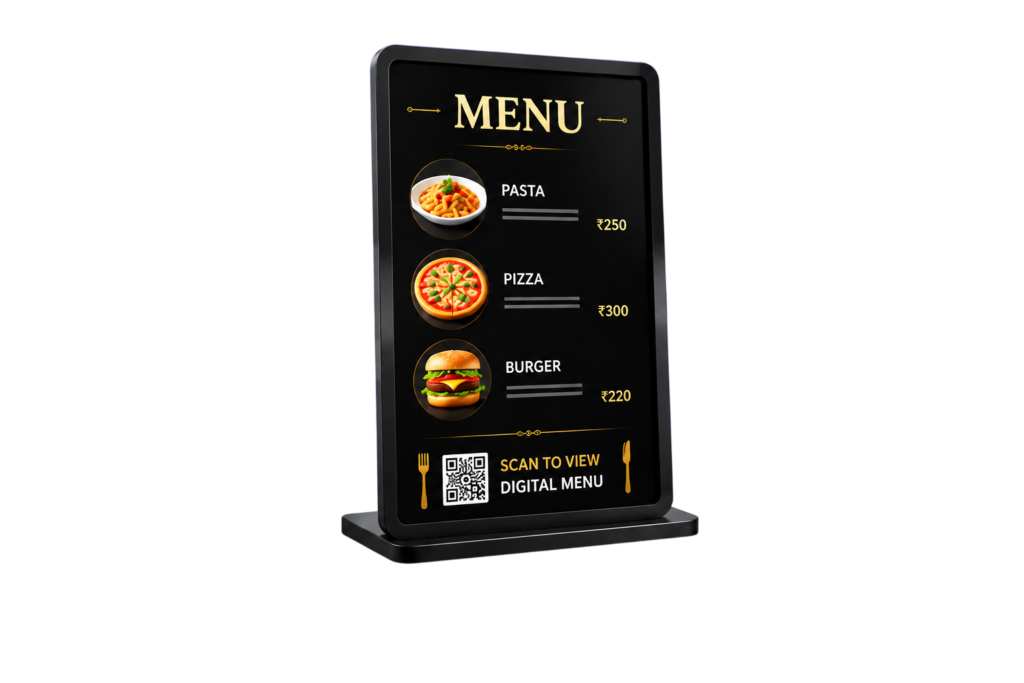
QR Digital Menu Platform

Beautiful Digital Menus, One QR Scan Away.

Give customers a fast, beautiful mobile menu the moment they scan your QR. Change dishes, prices, categories, sold-out items and offers anytime—without printing a new menu or replacing the QR.

Scan & open instantlyEditable menu URLsBuilt for mobileManaged from one dashboard
AURORA COFFEECrafted with care. Sipped with joy.
AllEspressoIcedBreakfast
CappuccinoSteamed milk foam₹180
LatteSmooth espresso₹195
Cold BrewSlow steeped₹210
Matcha LattePremium matcha₹225
Menu BuilderCategories, dishes, prices & sizes
Permanent QR MenuChange the menu without changing the QR
Full Business ImportImport complete demo/client setups
Business-Specific ThemesCoffee, restaurant, fast food & desserts
Explore live DGMenus businesses

Every Active Business Automatically Appears Here.

These are real DGMenus menu pages. Add a new Active business in WordPress and its menu card is added here automatically — including a preview screenshot and direct link to the live menu.

Automatically maintainedNew Active businesses appear here without editing the Elementor homepage.
Actual menu screenshotsThe card preview reflects the business’s live digital-menu page, with a manual thumbnail override available.
Direct live-menu linksEvery card automatically points to the correct editable DGMenus business URL.
100%
Mobile First
What is DGMenus?

One QR. One Live Menu. Unlimited Updates.

Every business gets its own editable DGMenus URL and permanent QR. Customers scan once to view a fast, mobile-first menu, while you manage the live content from the DGMenus dashboard.

Editable menu URLsExample: dgmenus.in/restaurant/aditya/
Switch themes anytimeThe menu stays intact when the visual theme changes.
Easy menu reorderingReorder categories and dishes instantly.
Display-only by designNo cart, checkout or payment flow—just the menu customers need.
Explore Menu Features →
Built for real businesses

Everything You Need to Publish and Maintain a Live QR Menu

From category ordering to sold-out items and QR generation, DGMenus keeps restaurant menu management simple while customers get a polished mobile experience.

Advanced Menu Builder

Create unlimited categories, subcategories and dishes. Add descriptions, images, badges, Veg/Non-Veg indicators, sold-out states and drag-to-reorder controls.

Edit menu content in seconds →

Flexible Pricing & Variations

Single prices, sale prices, Half/Full, Small/Medium/Large, custom labels and informational add-ons — all managed from one item screen.

Built for real restaurant pricing →

QR + Editable Public URLs

Give each business its own URL base and slug, then generate a permanent QR. Rename the URL later while keeping old links redirected.

Keep the same QR after updates →

Full Business Import / Export

Export an entire reusable business — theme, settings, menu, variations, offers and more — then import it to create a new business in minutes.

Create new businesses faster →

Menu Analytics

Track menu views, unique visitors, searches, product opens, WhatsApp clicks, calls, directions, reviews and offer interactions.

Understand menu engagement →

Branding & Font Controls

Choose theme colors, heading fonts, body fonts, hero imagery, logos, contact details and layout settings — no custom coding required.

Match each business brand →

Menu Readiness

Branding, categories, menu items and QR setup

84% ready for launch

Made for daily restaurant updates

Change a Dish, Price or Availability Status Without Touching the QR.

Restaurant menus change constantly. DGMenus keeps those updates inside the menu builder, so your printed QR stays the same while the live menu changes immediately.

Mark any item Sold Out without deleting it
Duplicate dishes and reusable business setups
Change category order with drag-and-drop
Keep menu data separate from visual themes
Give staff access without full WordPress admin rights
See the Setup Workflow →
Category-specific design

Every Menu Theme Should Feel Right for the Business.

Coffee shops should feel like coffee shops. Restaurants should feel like restaurants. DGMenus separates design from menu data so each business can use the right visual style without rebuilding its menu.

Theme 01

Coffee Shop

Warm, premium, café-inspired brown and cream styling.

Theme 02

Restaurant & Hotel

Elegant dining layout with pastel / beach-friendly styling.

Theme 03

Fast Food Corner

Bold, energetic visuals for burgers, pizza, wraps and combos.

Theme 04

Ice Cream Parlor

Playful pastel dessert styling for scoops, shakes and sundaes.

Business Import / Export

Create a Complete DGMenus Business Once, Then Reuse It in Minutes.

The Full Business CSV carries the reusable DGMenus setup—not just dishes. Import the file to create a new business with its theme, branding settings, categories, dishes, pricing variations, offers, hours and URL preferences.

Create ready-to-show client demos quickly
Reuse complete restaurant menu structures
Start every imported business with fresh analytics
Business: Creamy Swirl
URL: /ice-cream/creamy-swirl/
Theme: Ice Cream Parlor 01

 Business settings
 Branding & fonts
 Categories
 Menu items
 Prices & variations
 Offers
 Opening hours
 SEO settings

Import → New business created
Know what customers do

See What Happens After Customers Scan the QR.

DGMenus records useful menu interactions so a business can understand whether customers are opening the menu, searching for dishes, viewing products or using contact and location actions.

Menu views & unique visitors
Searches and zero-result searches
Product detail opens
Call, WhatsApp, directions & review clicks
Menu Views5,841
Unique Visitors3,906
Item Opens2,428
WhatsApp Clicks287
Directions194
Review Clicks92
Three easy steps

From Your Existing Menu to a Live QR Menu.

DGMenus keeps setup simple. Add the business, build or import the menu, then publish the permanent QR.

01
🏪

Create Your Business

Add the business name, logo, contact details, location, editable menu URL and choose the theme that matches the business.

02

Add or Import the Menu

Create categories and dishes manually, set prices and variations, or import a complete DGMenus Business CSV to start faster.

03

Publish & Share the QR

Generate the permanent QR and place it on tables, counters, packaging or standees. Future menu updates appear instantly.

4Business-specific themes available
Businesses and menu items supported
1DGMenus plugin manages the platform
100%Designed for mobile QR scans
Frequently asked questions

Everything a Restaurant Owner Usually Wants to Know.

Simple answers about QR menus, updates, themes, URLs and how DGMenus works.

The QR opens that business's DGMenus mobile menu directly in the browser. Customers can browse categories, search dishes, see prices, variations, availability, offers and business information without installing an app.
No. DGMenus is intentionally a digital menu platform, not a cart or payment system. There are no misleading Add, Checkout or payment buttons. Customers use it to view the live menu and restaurant information.
No. The QR points to the business's permanent DGMenus URL. You can change prices, dishes, descriptions, sold-out status, offers or category order and the same QR continues to work.
Yes. For example, a restaurant can use a URL like dgmenus.in/restaurant/aditya/ while a coffee shop can use dgmenus.in/coffee-shop/rutuja/. The URL base and slug are editable.
Yes. Menu data and theme design are separate. Changing from one compatible visual style to another does not require recreating categories, dishes or prices.
Yes. DGMenus Full Business CSV import/export can carry the reusable business configuration, theme, categories, menu items, variations, offers, hours and other settings into a newly created business.
DGMenus supports controlled management access so menu updates can be handled without giving staff unrestricted access to the full WordPress installation.
Yes. Mobile is the primary experience because most visitors arrive by scanning a QR from their phone. The menu also remains responsive on tablets and desktop screens.
Let’s build your digital menu

Want to See DGMenus for Your Business?

Tell us what kind of food business you run. We can discuss the best menu theme and how your current menu can be converted into a clean QR experience.

QR menu setup for restaurants and cafés
Business-specific visual themes
Fast onboarding using complete business imports
Easy future menu updates

Request a DGMenus Demo

Fill in the details below. The button opens WhatsApp with your enquiry already prepared.

Opening WhatsApp…
One setup line in the HTML lets you add your own WhatsApp number.

Ready to Replace Paper Menus with a Live QR Menu?

Start with a clean mobile menu your customers can scan instantly, and keep every future price or item change easy to manage.

Request a Demo →
© 2026 DGMenus.in. All rights reserved.Developed by BrosPro IT Solutions